
Overview
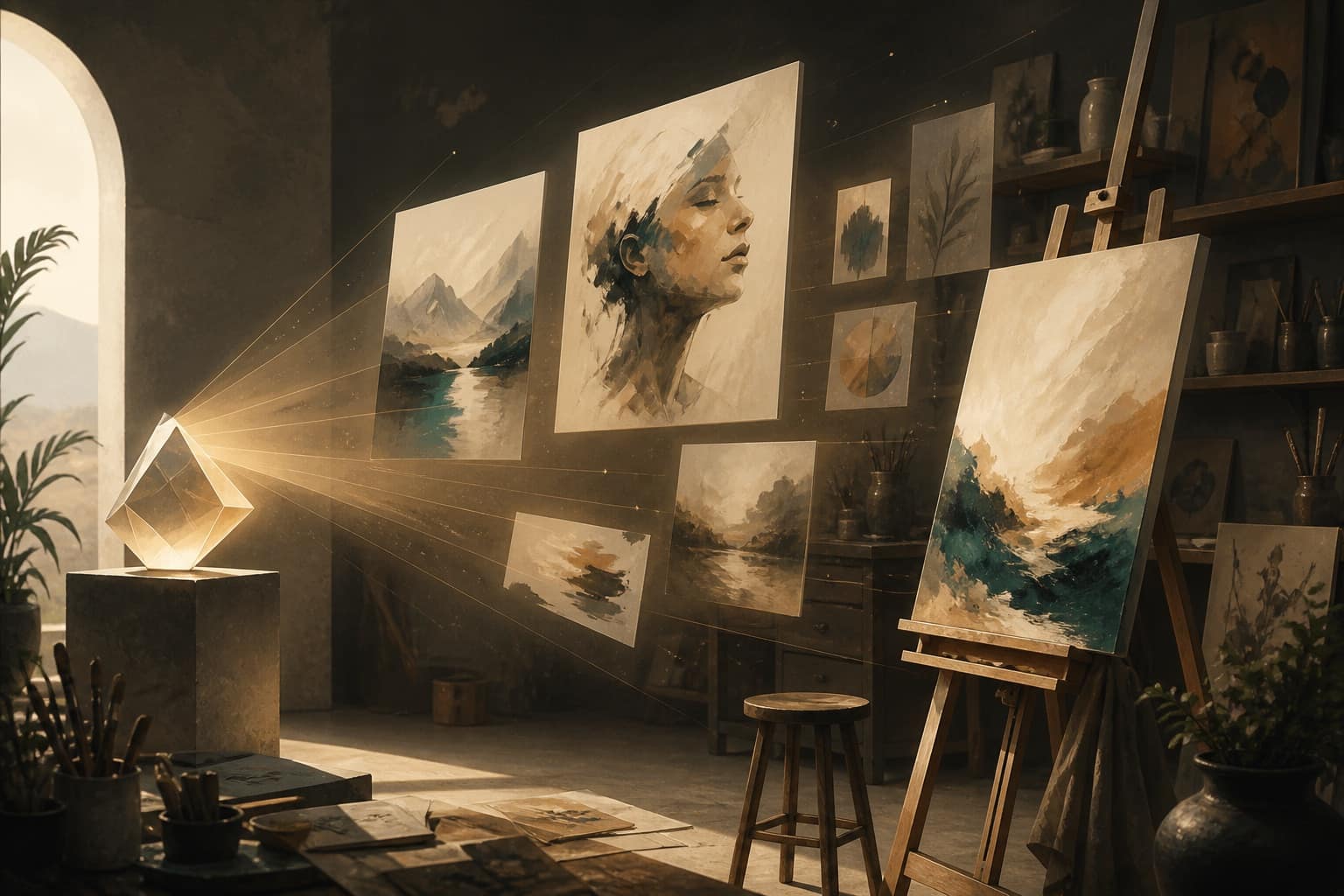
Melsun Image Studio is built for creators who want choice. No single image model wins at everything: one renders skin and fabric beautifully but mangles text, another sets type cleanly but flattens lighting. Being able to move a prompt between model families is what makes the difference between an idea and a usable asset.
The model lineup
| Family | Good for |
|---|---|
| FLUX.2 (Dev, Flex, Turbo, Pro) | Everyday generation and photoreal hero images |
| Ideogram V4 | Images containing text, posters, logo marks |
| Imagen 4 (Fast, standard, Ultra) | Clean, natural photography and detail |
| Nano Banana 2 / Pro | Fast, characterful results and strong edits |
| Seedream 4.5 / 5 (Lite, Pro) | Stylized and illustrative work |
| Qwen Image 2.0, Reve 2.1 | Alternative looks when others feel repetitive |
| GPT Image 2 | Prompt adherence on complex, multi-part instructions |
| Z-Image Turbo | Cheap, fast iteration while you explore composition |
| ESRGAN Upscaler, Background Remove | Finishing an image you already like |
Not sure? Auto picks a reasonable model from your prompt.
Text to image
Enter a prompt, choose a model, pick an aspect ratio, and generate. The workflow that wastes the least credit is nearly always the same:
- Explore cheap. Iterate on composition with a fast model until the framing is right.
- Lock the prompt. Fix subject, style, lighting, and camera language.
- Render once, expensively. Re-run the finished prompt on FLUX.2 Pro, Imagen 4 Ultra, or Nano Banana Pro.
- Finish. Upscale, or drop the background if you need a cutout.
Trying to nail a hero image on the first expensive generation is the most common way to burn credits.
Reference-image editing
Upload a reference image to guide the result instead of describing it from nothing. Edit models — FLUX.2 Pro Edit, Nano Banana 2 Edit, Seedream 5 Pro Edit, Qwen Image 2.0 Edit, Reve 2.1 Edit — keep the structure of your source while changing what you ask for.
This is the right tool for:
- Variations on an approved image, so a campaign stays visually consistent
- Style changes that keep the composition intact
- Product swaps — same scene and lighting, different item
- Room and background changes for listings
- Try-on and shoe or apparel presentation
Edits reward a good source image. Clear lighting, a sharp subject, and honest contrast do more for the output than any amount of prompt wording.
Writing prompts that work
- Name the four things. Subject, style, lighting, composition. Missing lighting is the usual reason an image looks flat.
- Use camera language. "85mm, shallow depth of field, backlit" moves a model further than "professional photo."
- Say what you don't want. Removing an unwanted element is easier when you name it.
- Put text on a text model. If words must render correctly, start with Ideogram V4 rather than fighting a photoreal model.
- Change one variable at a time. Rewriting the whole prompt between attempts tells you nothing about what helped.
Where it fits with the rest of Melsun
Image Studio shares your account and credit balance with the other apps, which makes a full pass practical in one place: draft campaign copy in Melsun Chat, generate the still here, animate it in Video Studio, then add narration in Audio Studio.
For model-by-model detail, browse the features hub — including dedicated pages for FLUX.2, Ideogram, Nano Banana, and Seedream.
Try it now
Open Image Studio on Melsun and generate your first image in seconds. Free accounts get 200 credits every 30 days, which is enough to explore several models before deciding which you prefer.