
Why we built Melsun
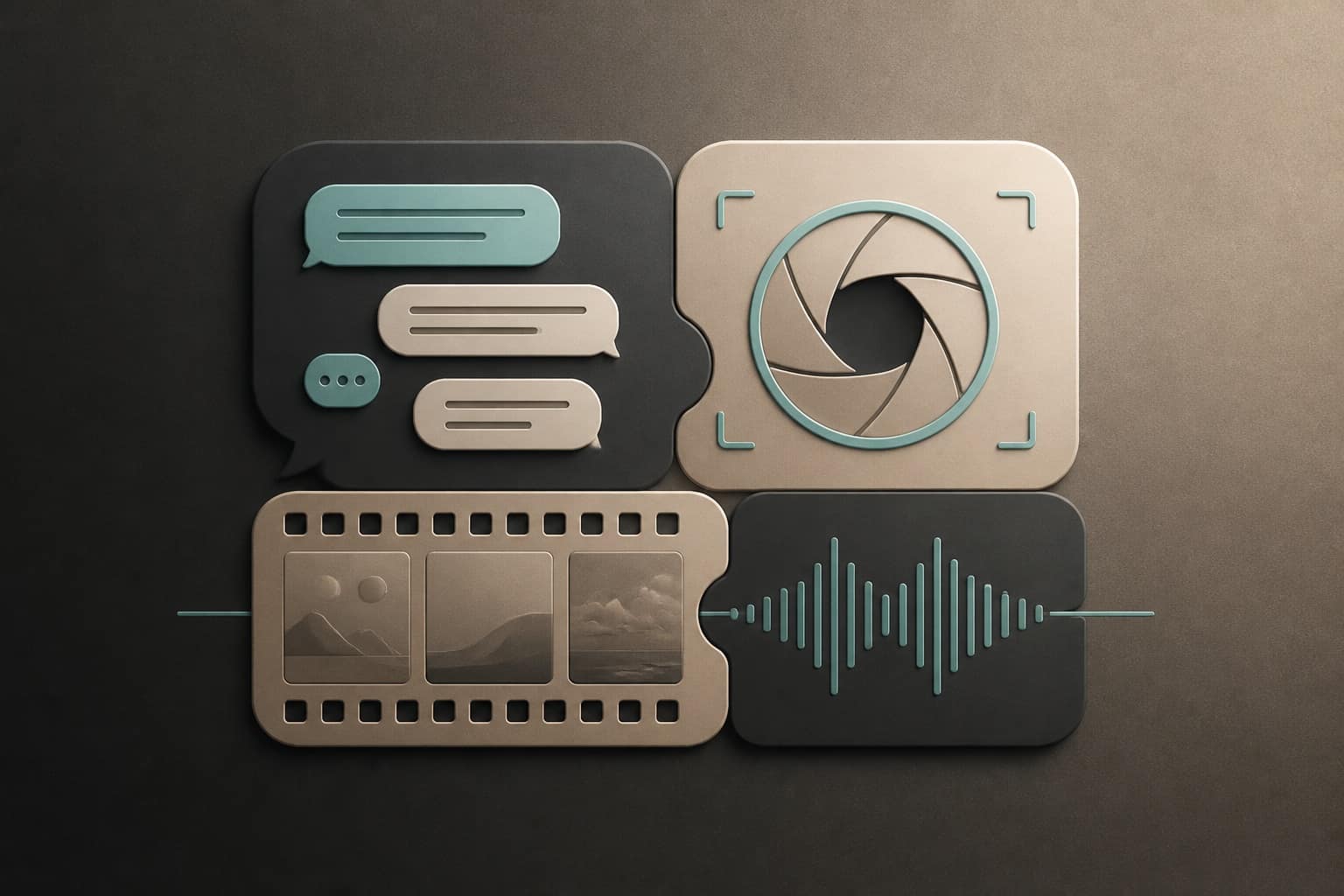
The AI stack most people end up with was never designed — it accumulated. A chatbot subscription, an image generator someone recommended, a video tool for one project, a transcription app for meetings. Four bills, four logins, four histories, and no connection between them.
The cost is not only money. It is the friction of moving work between tools that know nothing about each other. You write a script in one place, describe it again to generate a visual, then re-explain it to a voice tool.
Melsun puts those workflows in one account.
What you get on day one
| App | What it does |
|---|---|
| Chat | Multi-model chat with history, live web search, document Q&A, and optional Google connectors |
| Image Studio | Text-to-image and reference-image editing across FLUX.2, Ideogram, Imagen 4, Nano Banana, Seedream, Qwen, and GPT Image |
| Video Studio | AI video from a prompt or a starting frame with LTX 2.3, Hailuo, Seedance 2.0, Veo 3.1, Kling 3.0, WAN 2.6, and Grok Imagine |
| Audio Studio | Text to speech, music, sound effects, and transcription |
| Shipment Tracking | Optional: Bill of Lading ETA refresh for Maersk, MSC, CMA CGM, and ONE |
No provider lock-in
Melsun Chat spans NVIDIA, OpenAI, Anthropic, Google, xAI, DeepSeek, Mistral, and Z.AI, and you can change models inside a single conversation. When one lab ships a weak release, that is a dropdown change rather than a migration.
If choosing feels like overhead, Auto classifies the request and routes it for you — see AI orchestration on Melsun for how that works.
One credit balance
Every app draws from the same balance, which is the part that makes consolidation actually useful:
- Unlimited free chat models, subject to fair use — everyday questions never touch credits
- 200 credits every 30 days for premium models and the studios (unused credits do not roll over)
- $20/month for 2,000 credits, spendable anywhere across chat, image, video, and audio
You are not deciding whether this month's budget goes to chat or to image generation.
Creative work, start to finish
The reason to put these apps together shows up in a single pass:
- Draft and refine the concept in Chat, with web search if it needs current facts.
- Generate the still in Image Studio, iterating cheaply before the final render.
- Animate it in Video Studio from a prompt or that exact frame.
- Add narration, music, or sound effects in Audio Studio.
No re-briefing between steps, no exporting to a fourth tool.
Logistics workflows, for the teams that need them
Melsun also ships something most AI platforms do not: real operational tooling for ocean freight. Shipment Tracking takes an Excel sheet of Bill of Lading numbers in whatever layout your shipper sent, maps the columns with AI, and refreshes milestones and ETAs for Maersk, MSC, CMA CGM, and ONE.
Import and export teams get five free runs to test it on live BLs. Details are on the carriers hub and the importers use case.
Built for speed
Every app shares one account, one design language, and one credit system. There is no per-app onboarding to repeat.
Getting started
- Sign in at melsun.ai — no credit card required
- Start in Chat on a free model
- Open a studio when you need to make something
- Add credits only when free models stop being enough
What's next
We are expanding model coverage, improving generation quality, and publishing guides for each app. Start with the multi-model chat guide, the Image Studio guide, or Audio Studio, and follow the Melsun blog for updates.